Devices
Best IPTV box in Australia (2026)
Which set-top box or streaming stick runs the player apps you want, which Fire TV models to avoid, and what to check before you buy.
By AUIPTVHub Updated How we review
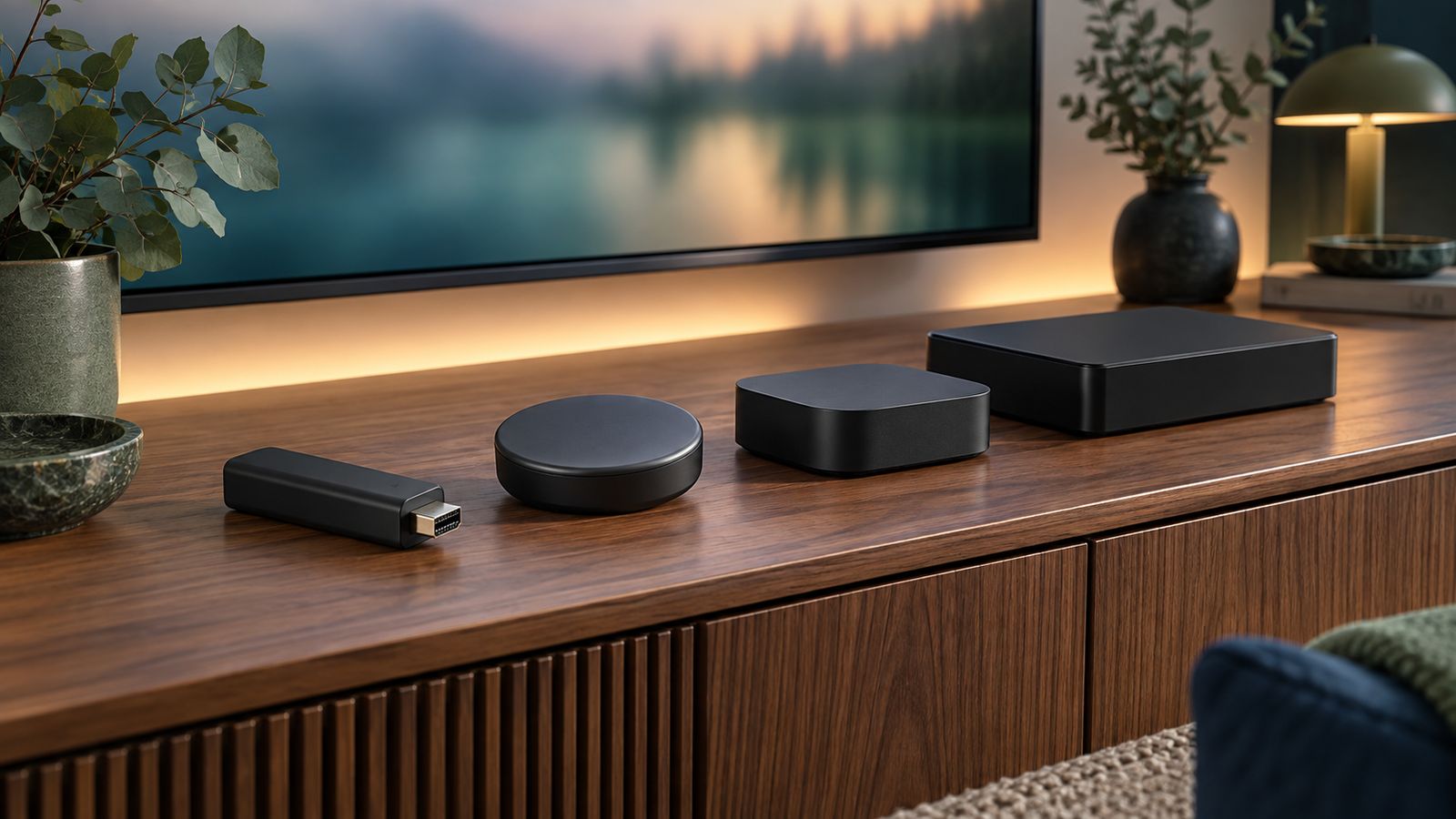
Quick picks
- Best overall IPTV box: Google TV Streamer. Google Play, built-in Ethernet, and official versions of TiviMate and Smarters Pro.
- Best for Apple households: Apple TV 4K. Smooth remote and App Store apps, including Smarters Pro. No TiviMate.
- No extra box needed: a Google TV smart TV, or a Samsung TV if Smarters Pro is the player you want.
- Avoid for player apps: Vega OS Fire TV sticks, and uncertified “fully loaded” Android boxes.
IPTV boxes compared
| Device | System | App store | Ethernet | TiviMate | Smarters Pro |
|---|---|---|---|---|---|
| Google TV Streamer | Google TV | Google Play | Built in | Yes | Yes |
| Smart TVs with Google TV (e.g. Sony, TCL) | Google TV | Google Play | Most models | Yes | Yes |
| Apple TV 4K | tvOS | App Store | Wi-Fi + Ethernet model | No | Yes |
| Samsung smart TV | Tizen | Samsung apps | Most models | No | Yes |
| LG smart TV | webOS | LG Content Store | Most models | No | Coming soon |
| Fire TV Stick 4K Max, Fire TV Cube | Fire OS | Amazon Appstore | Cube built in; stick via adapter | No official version | No official version |
| Fire TV Stick 4K Select (2025), Fire TV Stick HD (2026) | Vega OS | Amazon Appstore only | Via adapter | No | No |
Sources: Apple Australia specifications, Google TV Streamer specifications, the Smarters Pro download page and the TiviMate Google Play listing. This is a compatibility comparison, not a hands-on speed test.
Foxtel's Hubbl and Fetch boxes are built around their own services and curated app selections. They are good for the apps they support, but they are not general-purpose boxes for third-party IPTV players.
Android TV boxes: certified vs uncertified
“Android TV box” covers two very different products. Certified Android TV and Google TV devices ship with Google Play, Play Protect and regular security updates. Uncertified boxes, often sold cheaply online, run a phone version of Android, may have no Google Play at all and rarely get updates.
- Check for Google Play on the box's home screen and “Play Protect certified” under Google Play settings.
- Be wary of boxes sold with channels “included” or “fully loaded”. The box itself is legal, but the preloaded service usually is not licensed. See is IPTV legal in Australia.
- Prefer a known brand with an Australian warranty and a stated update period.
Fire TV Stick and Vega OS: which models work
Fire TV sticks are popular and cheap, but they no longer all run the same software. Amazon's Linux-based Vega OS runs on the 2025 Fire TV Stick 4K Select and the 2026 Fire TV Stick HD. These models only install apps from the Amazon Appstore.
The Fire TV Stick 4K Max, the Fire TV Cube and TVs with Fire TV built in still run Android-based Fire OS. They can install Android apps from outside the store, but neither TiviMate nor Smarters Pro offers an official Fire TV download. Only install files supplied by the developer, and never a modified “Premium unlocked” copy.
Smart TV or set-top box?
If your TV runs Google TV, it already has the same app store as a Google TV box. Samsung owners can install Smarters Pro from the Samsung apps store. A separate set-top box is worth it when:
- the TV is more than a few years old and its apps are slow or no longer updated;
- the player app you want is not available for the TV's system;
- you want Ethernet and the TV is on Wi-Fi only;
- you want one familiar remote and interface on several TVs.
IPTV box Australia: checks before you buy
- System: Google TV, tvOS, Tizen, webOS, Fire OS or Vega OS decides which apps you can install.
- Player app: confirm your player is officially available for that exact system. See our IPTV apps guide.
- Network: built-in Ethernet, or Wi-Fi 6 if the router is far from the TV.
- Video: 4K and HDR support if your TV has them, and automatic frame-rate matching for smoother sport.
- Storage: 32 GB or more if you plan to record programmes in TiviMate.
- Updates and warranty: a known brand with an Australian warranty.
Setting up your IPTV box
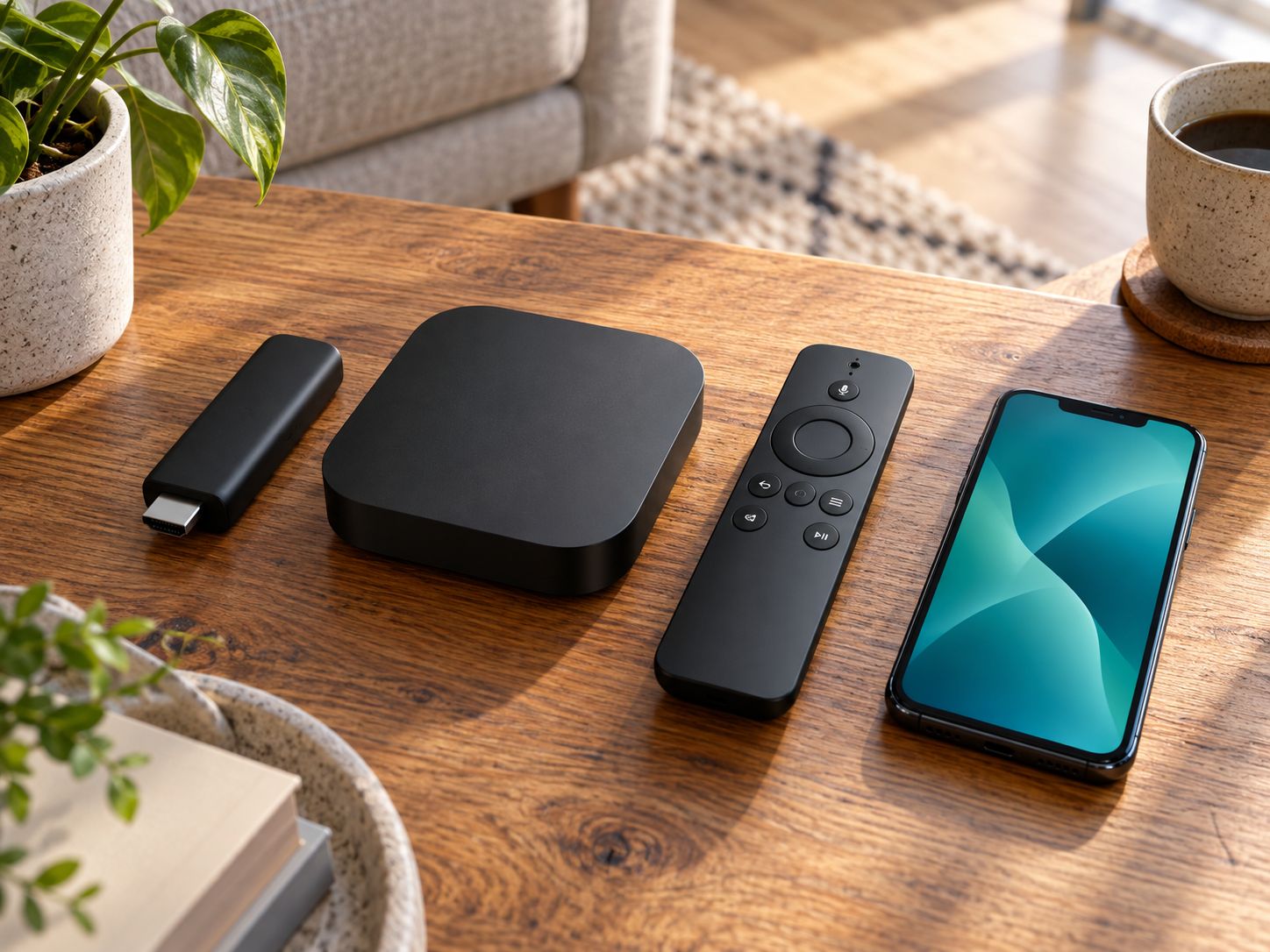
- Plug the device into a free HDMI port and into power, using the cable and port the manual recommends.
- Select the HDMI input on your TV and follow the on-screen setup, connecting to Ethernet or Wi-Fi.
- Sign in to the app store and install the apps for your services, such as ABC iview and Kayo.
- In the display settings, turn on automatic frame-rate and resolution matching if available.
- Install a player app only if your provider gives you a playlist. Follow our TiviMate or IPTV Smarters Pro setup guides.
Frequently asked questions
What is the best IPTV box in Australia?
For most homes, a Google TV device such as the Google TV Streamer, because it has Google Play, built-in Ethernet and official downloads of both TiviMate and IPTV Smarters Pro. Apple TV 4K is the best choice if your household uses Apple devices, but TiviMate is not available on it.
Is a Fire TV Stick good for IPTV?
It depends on the model. The 2025 Fire TV Stick 4K Select and 2026 Fire TV Stick HD run Vega OS and only install Amazon Appstore apps. Older Fire OS models can install other Android apps, but neither TiviMate nor Smarters Pro has an official Fire TV download.
What is an Android TV box?
A set-top box running Android TV or Google TV. Certified boxes include Google Play and receive security updates. Cheap uncertified boxes often run old Android versions without Google Play, which makes installing apps safely harder.
Can I buy IPTV with a box?
Hardware and content are separate. A box is just a device; the channels come from the service you subscribe to. Boxes sold “fully loaded” with channels are a warning sign: Federal Court orders have blocked services used by some of these boxes.
Do I need a box if I have a smart TV?
Not always. Google TV sets from Sony and TCL run the same apps as a Google TV box, and Samsung TVs have an official Smarters Pro app. A separate box helps if your TV is slow, no longer updated, or missing the app you need.
Is a set-top box better than a streaming stick?
A set-top box usually has built-in Ethernet, more storage and better cooling, which helps with recording and long viewing sessions. A stick is cheaper and hides behind the TV, but often needs an adapter for a wired connection.