App guide
IPTV Smarters Pro: download and setup guide for Australia
Where to download the official app on each device, what works on a Firestick, and how to log in, add the TV guide and fix the most common problems.
By AUIPTVHub Updated How we review
What IPTV Smarters Pro is (and is not)
IPTV Smarters Pro is a player. It organises live TV, films, series and a TV guide into one interface. It does not sell or include channels. The developer's website says it does not host, provide or sell any media. Everything you see in the app comes from the provider whose details you enter, which is why it looks different from one household to the next.
You will see it called IP Smarters, IPTV Smarters or simply Smarters Pro. In the official stores it is currently listed as Smarters Pro, published by Tech Smarters Private Limited.
IPTV Smarters Pro download: official links by device
Start from the Smarters Pro developer website, which links to each official download. Check that the publisher in the store listing matches before you install. Checked 26 September 2026.
| Device | Where to get it | Notes |
|---|---|---|
| Android phone and tablet | Google Play | Touch-friendly layout |
| Android TV and Google TV | Google Play on the TV | Includes Google TV Streamer, Chromecast with Google TV and Android smart TVs |
| iPhone and iPad | App Store | Search “Smarters Pro” and check the publisher |
| Apple TV | App Store on the Apple TV | Good remote navigation |
| Samsung smart TV | Samsung TV app store | Search the store on your TV to confirm your model |
| Windows and macOS | Download link on the developer website | Use only the link on the official site |
| LG smart TV | Listed as “coming soon” | No official version yet |
| Firestick and Fire TV | No official link | See the Firestick section below |
If your device is not listed, compare the alternatives in our IPTV apps guide rather than installing an unverified copy. Pirated “premium unlocked” downloads are a common way malware reaches TV devices.
IPTV Smarters Pro on Firestick and Fire TV
“IPTV Smarters Pro Firestick” is one of the most searched setups in Australia, so here is the current situation:
- No official Fire TV download. The developer website links to Google Play, the App Store and Samsung, but not to the Amazon Appstore.
- Vega OS models cannot sideload. The 2025 Fire TV Stick 4K Select and the 2026 Fire TV Stick HD run Amazon's Linux-based Vega OS. They only install apps from the Amazon Appstore, so Android app files will not work on them.
- Fire OS models can sideload, but it is risky. Older Fire TV sticks, the Fire TV Cube and TVs with Fire TV built in still run Fire OS. Installing an app file from a random website exposes the device and your accounts to malware.
Smarters Pro free vs Premium
The free download covers playlist loading, live TV, on demand and the TV guide. The developer also sells a Premium version that unlocks additional features. It does not publish a price on its website, so check the upgrade screen inside the app on your device.
Premium is a licence for the app only. It does not include channels, and it does not increase the number of screens your provider allows.
Set up with an Xtream Codes login
This is the easiest method, because live TV, on-demand content and the TV guide all load together.
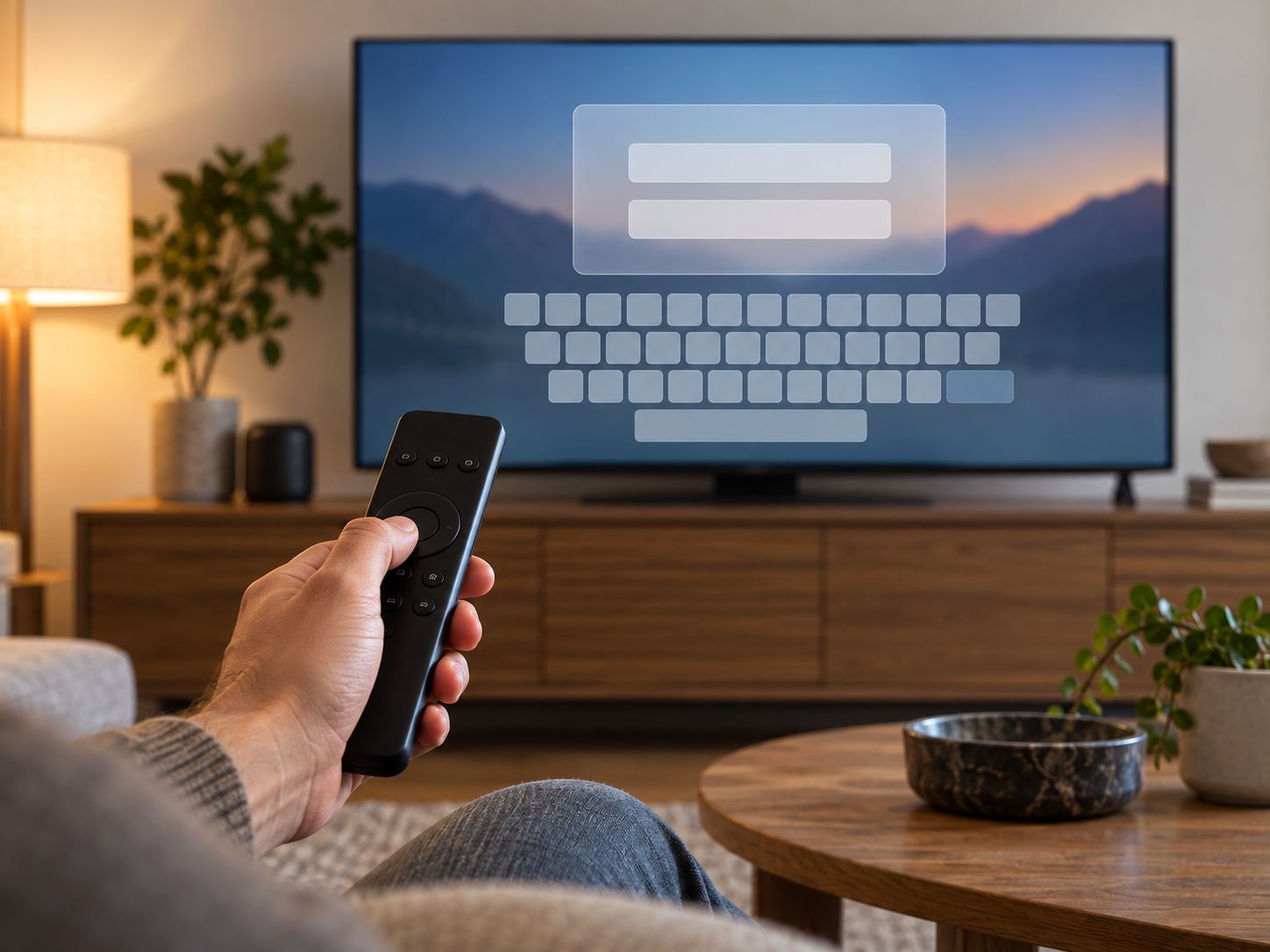
- Open the app and accept the terms.
- Select Login with Xtream Codes API.
- Enter any name for the profile, such as “Home”.
- Enter the username and password from your provider.
- Enter the server URL exactly as supplied, including
http://orhttps://and any port number. - Select Add user. The app downloads the channel list and TV guide, which can take a minute the first time.
Set up with an M3U playlist
- Select Load Your Playlist or File/URL.
- Enter a profile name and choose M3U URL.
- Paste the playlist link from your provider and select Add user.
Adding the TV guide (EPG)
With an Xtream Codes login, the guide usually loads automatically. Go to Install EPG or Refresh EPG from the home screen if it is empty. With an M3U playlist, ask your provider for an XMLTV EPG link and add it in settings. Then match the time zone to your state, for example AEST/AEDT for Sydney and Melbourne or AWST for Perth.
Common problems and fixes
| Problem | Likely cause | Fix |
|---|---|---|
| “Invalid username or password” | Typo or expired account | Re-enter the details carefully and check the account status with your provider |
| Buffering | Evening congestion or weak Wi-Fi | Use Ethernet or 5 GHz Wi-Fi, and test your speed at 8 pm |
| No TV guide | EPG not loaded | Refresh EPG, or add the XMLTV link for M3U setups |
| Guide times wrong | Time zone offset | Set the correct Australian time zone in settings |
| Black screen, audio only | Player codec issue | Switch between the built-in and alternative player in settings |
| App will not install on Fire TV | Vega OS device, or no official Fire TV version | Use a player from the Amazon Appstore, or a Google TV device |
Before sending a setup support request
Note the app version, device model, login method and exact error. If a playlist loads but one programme will not play, try another item before changing the whole setup. If nothing loads, confirm the account status and server details privately with your provider. Never include a full playlist URL or password in a public screenshot.
Smarters Pro vs TiviMate
| IPTV Smarters Pro | TiviMate | |
|---|---|---|
| Devices | Android, Android TV, iPhone, iPad, Apple TV, Samsung, Windows, macOS | Android TV and Google TV only |
| Login formats | Xtream Codes, M3U | Xtream Codes, M3U, Stalker Portal |
| Best at | One app across many device types | A fast, cable-style TV guide on a TV remote |
| Paid upgrade | Premium version | Premium (annual or lifetime) |
If you watch on an iPhone, Apple TV or Samsung TV, Smarters Pro is the simpler choice. On an Android TV device, read our TiviMate guide, or see Lumi Player Pro in the app comparison. Both players are legal. What decides legality is the service you add, as explained in is IPTV legal in Australia.
Frequently asked questions
Is IPTV Smarters Pro free?
The app is free to download from the official stores listed on the developer website. The developer also offers a Premium upgrade that unlocks extra app features. Neither version includes channels: you add a playlist or login from your provider.
Can I download IPTV Smarters Pro on a Firestick?
The developer website does not list an official Fire TV download. Newer Fire TV models running Vega OS cannot install Android apps from outside the Amazon Appstore at all. On Fire OS models, installing an app file from an unofficial website carries malware risk, so we recommend a player from the Amazon Appstore or a Google TV device instead.
What is IPTV Smarters Pro Premium?
Premium is a paid upgrade sold by the developer that unlocks additional app functions. The developer does not publish a price on its website, so check the upgrade screen in the app. Premium does not include any channels or streams.
Is IP Smarters the same as IPTV Smarters Pro?
Yes. “IP Smarters”, “Smarters Pro” and “IPTV Smarters” are all names people use for the same player. In the official stores it is currently listed as Smarters Pro, published by Tech Smarters Private Limited.
Is IPTV Smarters Pro legal in Australia?
Yes. It is a legal media player with no content of its own. Whether what you watch in it is legal depends on the service you log in with. See our guide to whether IPTV is legal in Australia.
Why is IPTV Smarters Pro buffering?
Buffering can come from the stream source, your network, the device or the player. Test your connection at 8 pm, use Ethernet or 5 GHz Wi-Fi, lower the stream quality, or switch to the alternative player in settings.
What is the difference between Xtream Codes and M3U?
An Xtream Codes login (server URL, username and password) loads live TV, on-demand content and the TV guide together. An M3U playlist URL loads channels only, and the TV guide may need to be added separately as an XMLTV link.